
Jungle Volcano on tablet: iPad and Android play
- 95.80%RTP
- 10,000xMax win
- 5x4Layout
- Very highVolatility
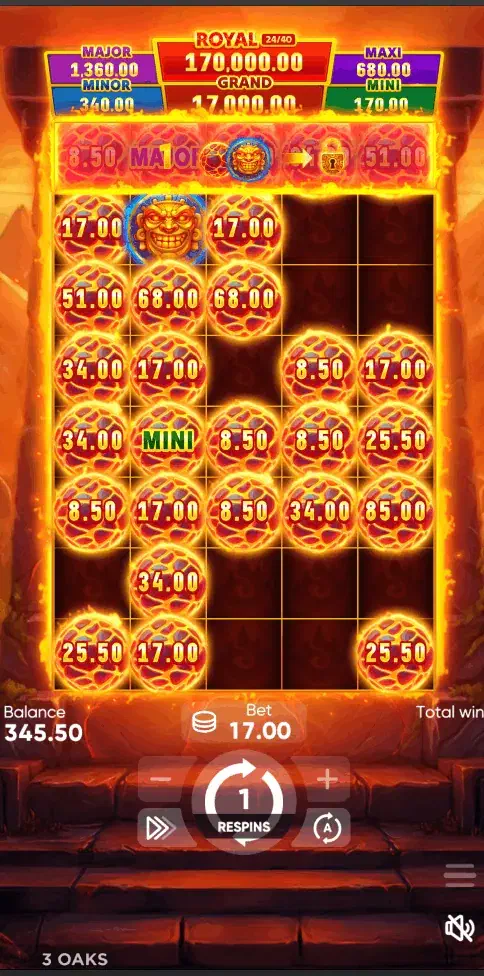
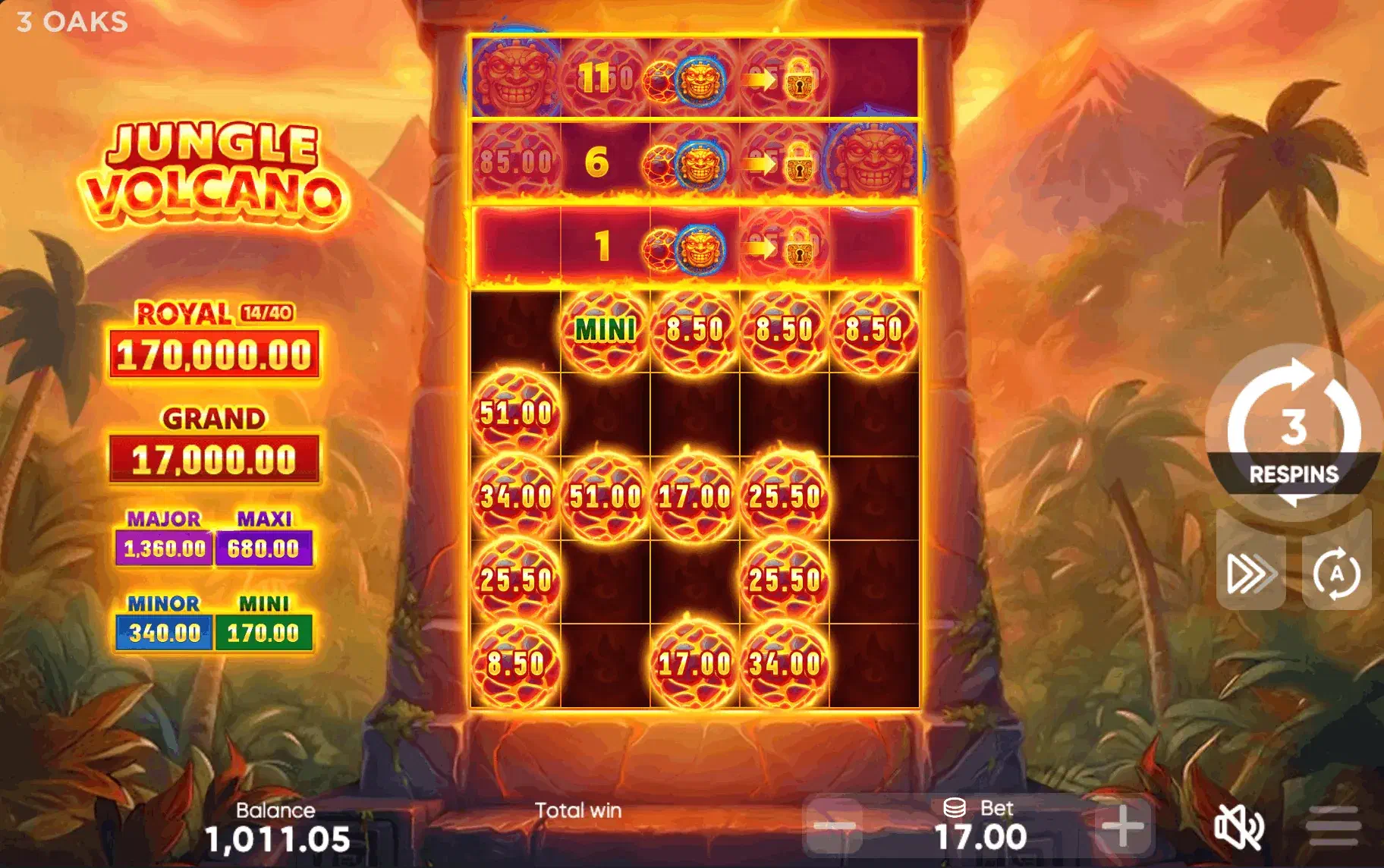
Jungle Volcano has the largest playing surface of the volcano games, a 5x4 board, and during the Hold and Win it grows taller still as locked rows open. On a phone that means small symbols getting smaller; on a tablet the board finally shows at the size it was designed for. The device that suits this title best is an eight-to-thirteen-inch tablet held in landscape.
Tablet session checklist
- Lock landscape before the first spin. Row unlocking adds height, and a mid-feature rotation reloads the layout.
- Turn low-power mode off. It throttles the feature animation on iPadOS just as it does on iPhone.
- Set a loss limit and a clock. This is the one number a bigger screen makes easier to forget.
- Open the paytable once, properly. At this size the power-symbol rules read without pinch-zooming; do it before the money is live.
- Run the free demo here first. It is also a frame-rate test for an older slab.
Access routes
There is no tablet-specific version, and none is needed. iPads run the game in Safari or via a home-screen shortcut and, in the licensed states, possibly through an operator’s App Store app if its catalog includes the game. Sideloading is off the list because iOS does not allow it. Android tablets take the browser or a licensed operator’s APK; the Android page walks through the sideload precautions, which apply identically to a tablet.
Eight inches, eleven inches, and old hardware
At eight inches the Hold and Win stops feeling cramped: the unlocked rows appear without pushing anything off the visible board. Beyond that you gain viewing distance and split-screen, not clarity, and split-screen is useful here, since keeping the paytable beside the demo is the quickest way to learn what the power symbols do. Age is rarely the problem: a 2018-era tablet runs this build, and when frames drop the cause is almost always the power setting rather than the chip.
A practical session note
Very high volatility plus a comfortable screen stretches sessions without announcing it. So enjoy the legibility, and bring the discipline: a time or loss limit set before the first spin. The Jungle Volcano hub covers the feature set in full, and the demo runs identically on the same device.
Related routes: phone access and desktop play . Real money stays behind state-licensed operators in the iGaming states, 21+; if gambling is becoming a problem, call or text 1-800-GAMBLER.