
Jungle Volcano on Android: APK download and install
- 95.80%RTP
- 10,000xMax win
- 5x4Layout
- Very highVolatility
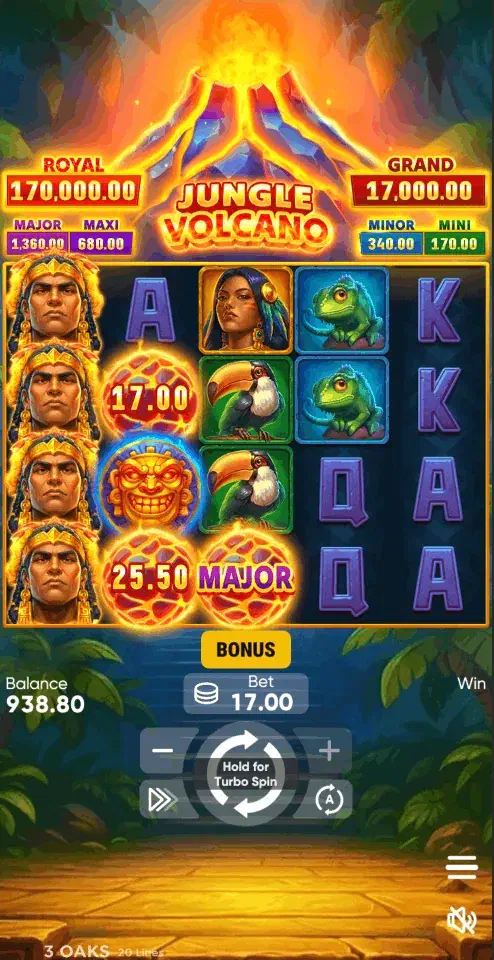
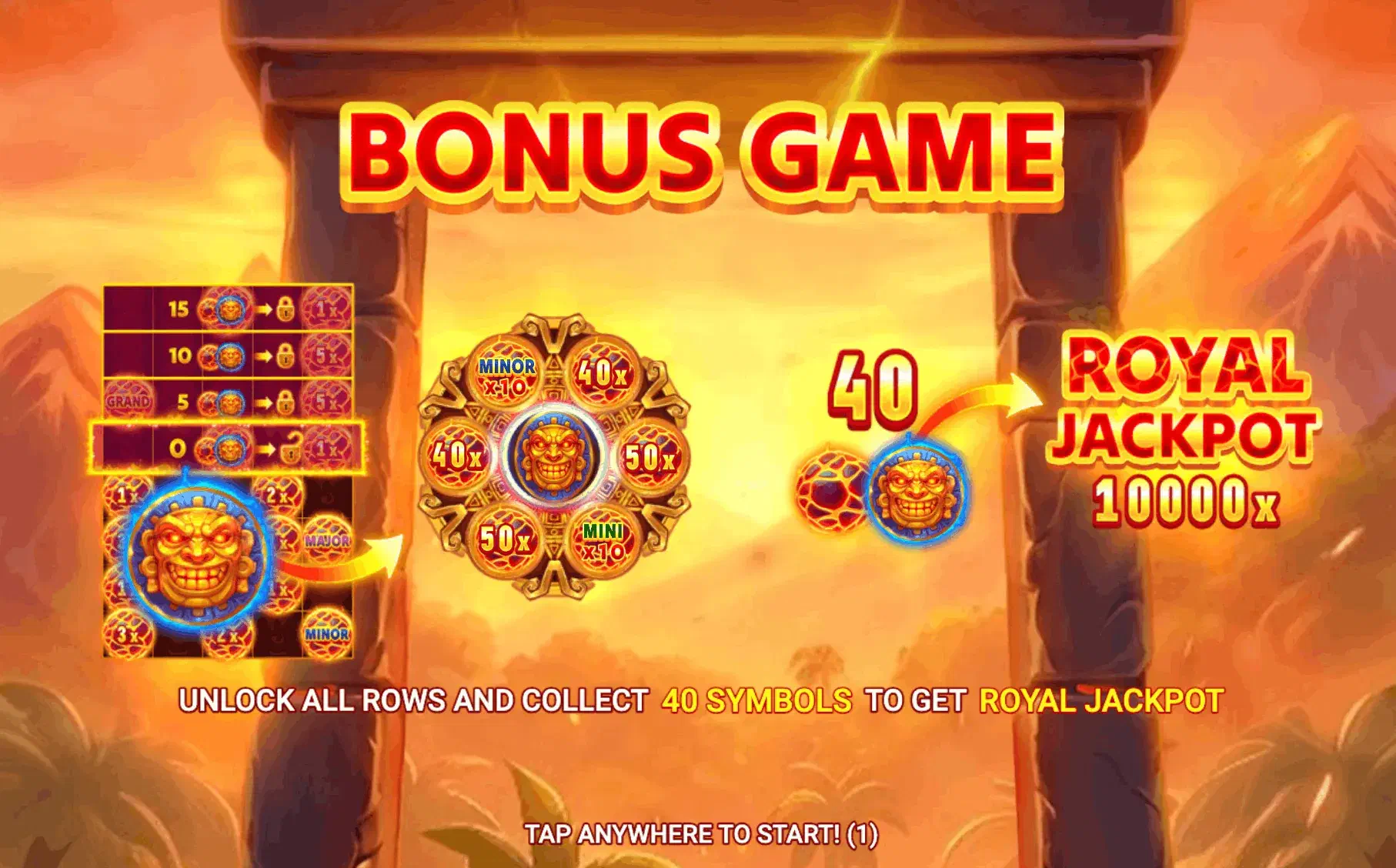
The APK that opens Jungle Volcano on Android is the licensed casino’s own, taken from that operator’s website: one file, and its lobby arrives with this game in it. So the question is where the file comes from. 3 Oaks games sit in casino lobbies, not in downloads of their own, and the source matters more here than for any calmer sibling. Jungle Volcano is the most volatile title in the volcano family, built on long empty stretches punctuated by free-spin rounds that unlock rows as they run, which puts the dull infrastructure questions (who holds your balance, who enforces your limits) first in line.
Clean install, start to finish
- Choose a state-licensed operator whose lobby carries the game, and download the APK from that operator’s website only. Skip forums, Telegram channels and APK mirrors; the volcano-named apps on mirror sites are unrelated arcade games that borrow the name.
- When Android asks, grant your browser the install unknown apps permission (Android 8+ scopes it per app). Treat it as a loan: on for the install, off after.
- Accept the Google Play Protect scan.
- Log in and complete KYC: a licensed operator verifies age (21+) and identity before real money moves. That step is a safeguard, not friction.
The permission to decline: notifications
An installed casino app asks for something the browser never can: permission to reach you when you are not playing. On most titles that is a minor annoyance. On this one it is the single strongest argument for staying in a browser, so decide deliberately instead of tapping through.
The reason is the shape of the game. Long dead stretches end sessions on a sour note more often than short ones do, which means the moment you close the app is disproportionately likely to be a moment you are down. A re-engagement notification is designed to arrive shortly after that moment, and it does not need to say anything clever: a free-spins offer or a “your volcano is waiting” nudge works because it lands while the last session is still fresh.
How to handle it:
- Deny at the prompt. Android asks on first launch; declining costs you nothing that matters. Withdrawal confirmations arrive by email regardless.
- Revoke later if you already agreed. Settings → Apps → the operator’s app → Notifications. It takes seconds and does not affect your account.
- Keep transactional alerts if the app separates them. Some operators split payment notifications from marketing ones. Those are worth having; the rest are not.
The browser alternative
Chrome or Firefox runs the same build with the same account, and also the free demo , which for this game doubles as a volatility test: if the dry stretches grate on virtual credits, they will not improve on real ones.
Other devices are covered in the download overview ; iPhone access works without an APK. Real-money play belongs to the iGaming states, 21+: an offshore APK carrying this game leaves your balance answerable to no US regulator. If gambling is becoming a problem, call or text 1-800-GAMBLER.