
Coin Volcano on iPhone: Safari, App Store or shortcut
- 95.66%RTP
- 2,551xMax win
- 3x3Layout
- Medium to medium-highVolatility

Three routes put Coin Volcano on an iPhone, and all three work today: Safari (or any iOS browser), a licensed casino’s app from the App Store where your state permits one, and the home-screen shortcut that makes the site behave like an app. Each is covered below, with the checks to make before you rely on it.
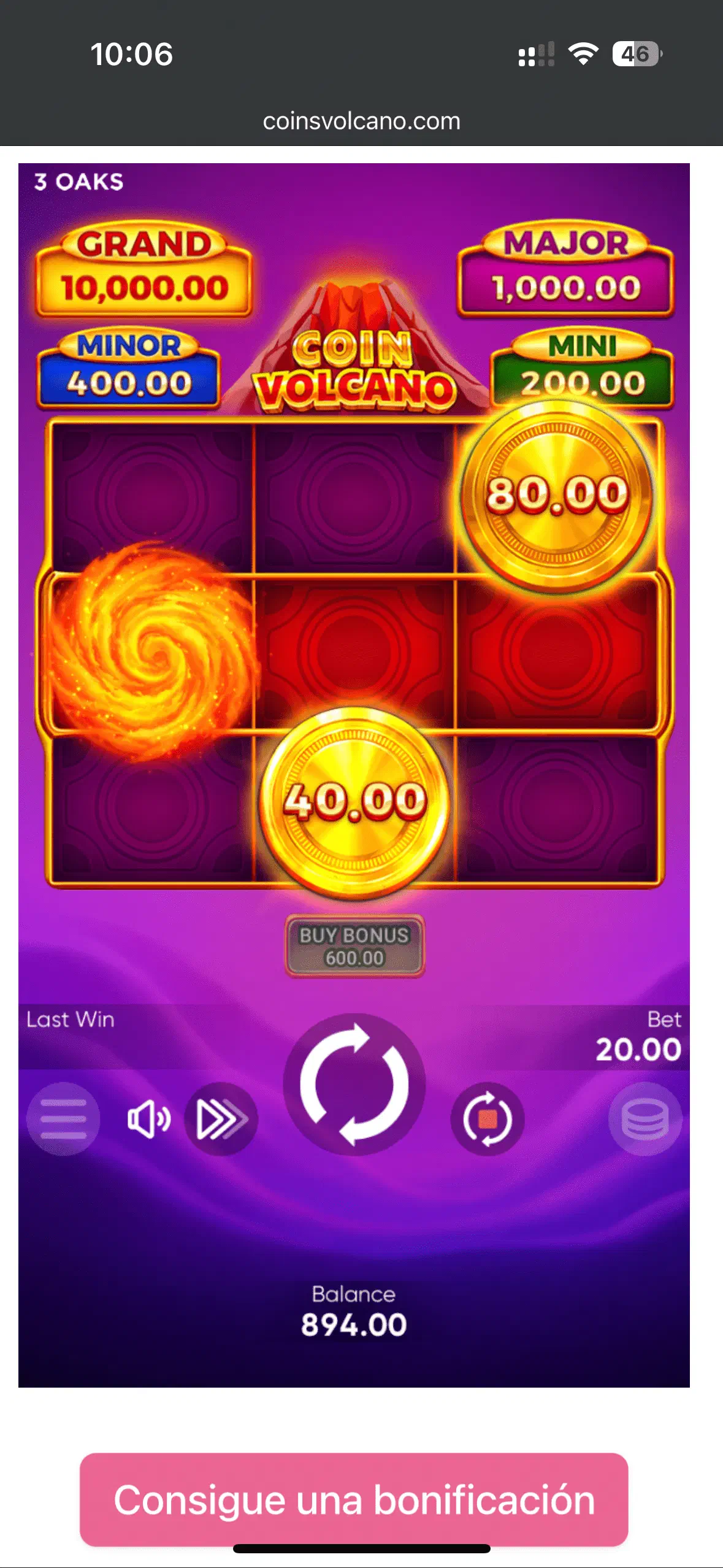
Route 1: Safari, nothing installed
Open the site, log in, play. The free demo works the same way with no account at all. For players outside the iGaming states, this demo-in-Safari route is the only state-lawful one, and it needs zero setup.
Route 2: Home-screen shortcut
In Safari: Share button → “Add to Home Screen.” You get a dedicated icon that opens the game full-screen without the address bar. It feels like an app, installs nothing, and can be removed any time without a trace.
Route 3: A licensed casino’s App Store app
In states where the operator is licensed (New Jersey, Pennsylvania, Michigan, Connecticut and the other iGaming states), some casinos ship an official iOS app. Two checks before installing: the app publisher must exactly match the licensed operator, and the catalog must include 3 Oaks games. They are rare in US lobbies, so check before you assume.
See also Android access and tablet access . Real-money play is 21+ in licensed states only. If gambling stops being fun, call or text 1-800-GAMBLER.