
Coin UP Volcano on Android: APK and app install
- 4x3Layout
Android offers two routes to this game. The first is your state-licensed operator’s app on Google Play, with updates handled for you. The second is the same operator’s APK from its own website.
Both open the same certified build with Coin UP Volcano in the lobby, so the choice comes down to how updates arrive, not to the game.
Installing an operator APK
- Check the operator on your state regulator’s list first and match its name to the domain.
- Download the APK from that domain only.
- Grant “install unknown apps” to your browser for this single installation (Android 8+ scopes the permission per app).
- Let Google Play Protect scan the file.
- Install, then revoke the permission.
- First login brings identity, age and geolocation checks.
Reading a listing before you install it
Aggregator sites carry volcano-themed and coin-themed apps from unrelated developers, and four fields separate them from a licensed casino app.
Size. An operator app carries an entire lobby and runs to tens of megabytes.
Publisher. It should read as the operator’s trading name.
Package identifier. On a real operator app it belongs to the operator.
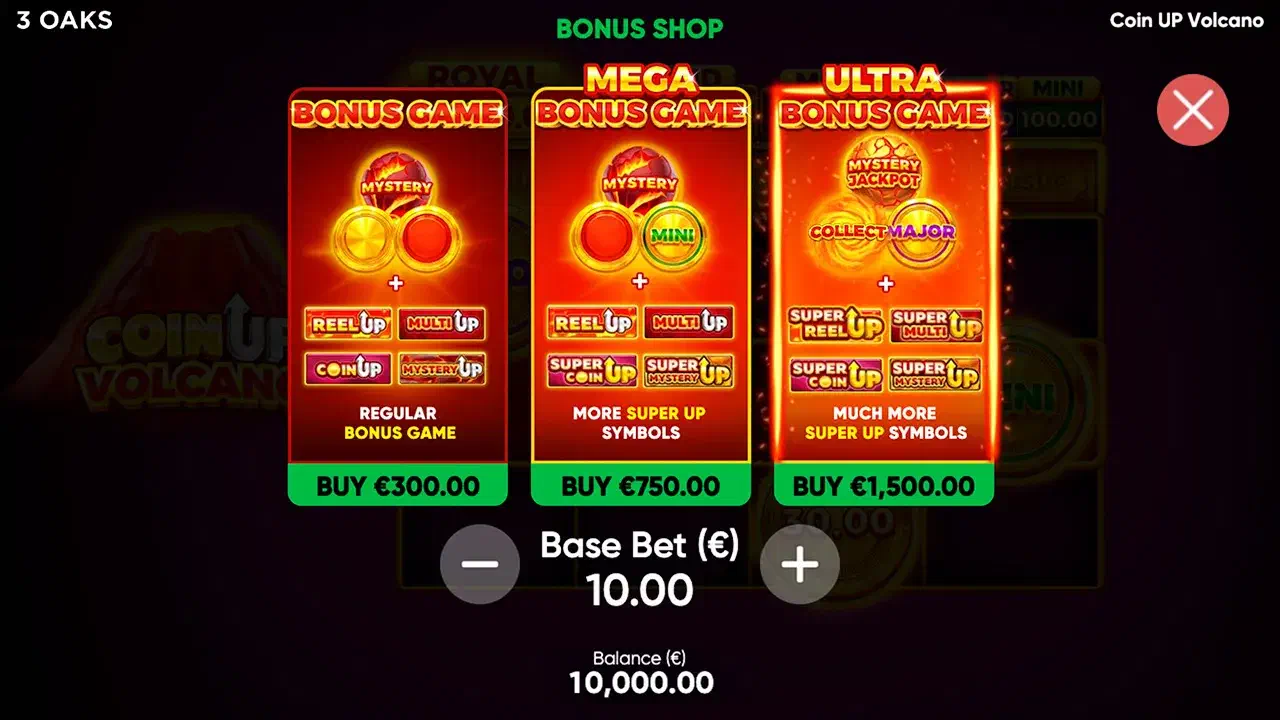
Coin packs. Real-money gambling apps do not sell virtual currency.
Behind all four sits one fact: 3 Oaks licenses its games to casinos, and the casinos handle distribution.
What this game asks of the hardware
Very little; the one thing to know concerns the screen, not the processor.
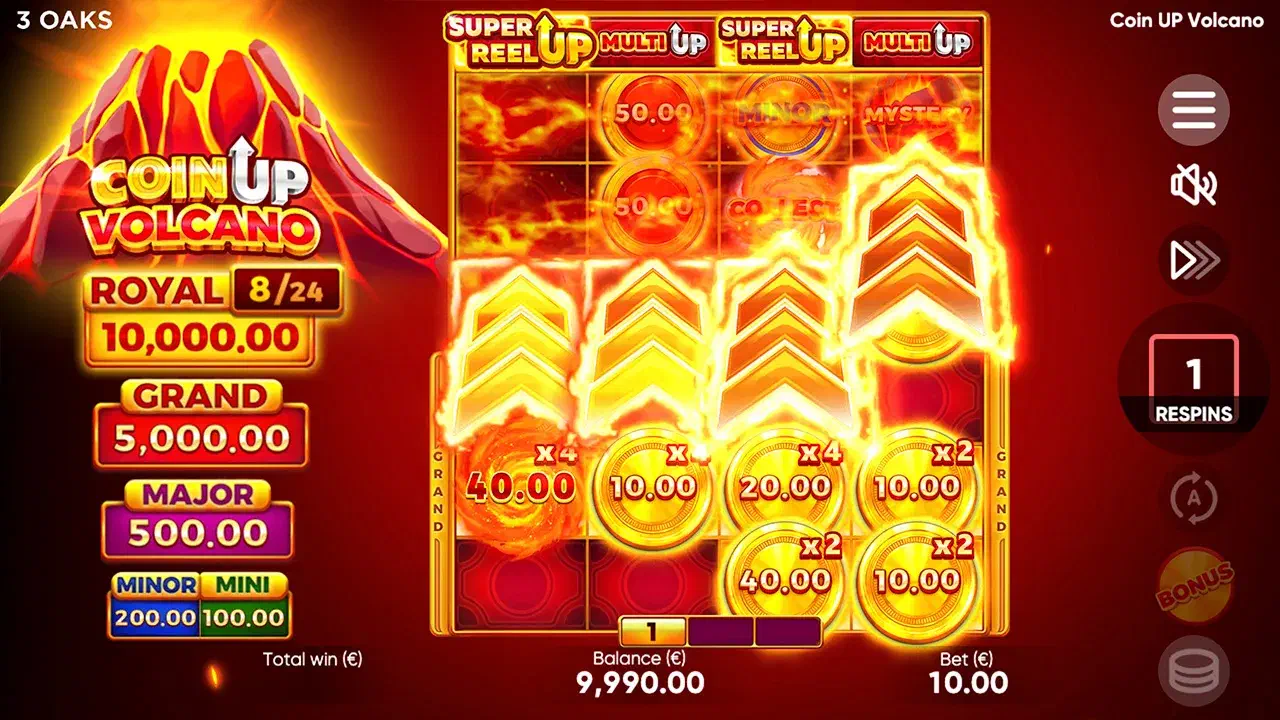
Base play uses a compact 4x3 grid that reads well in portrait. The bonus round doubles the board’s height and adds a row of modifier tiles above it, where the difference between MULTI UP and Super MULTI UP is a small color shift and the fill counter sits at the frame’s edge. Rotating to landscape for the bonus puts all of it on one screen.
If animation stutters on an older handset, the reduced-animation option in the game client is the first setting to try; it is easiest to find in the free demo .
When the browser is the better answer
Three cases. If your operator has a Play Store listing, take it. If you play occasionally, an installed app buys convenience you will rarely use. And while you are still learning the round, the browser keeps the whole thing to a tab.
For a platform without APKs, see iPhone ; the full device map is in the download overview .
21+ where online casinos are licensed. Account limits apply equally in app and on the site. 1-800-GAMBLER.