
Jungle Volcano on iPhone: Safari, shortcut or App Store
- 95.80%RTP
- 10,000xMax win
- 5x4Layout
- Very highVolatility
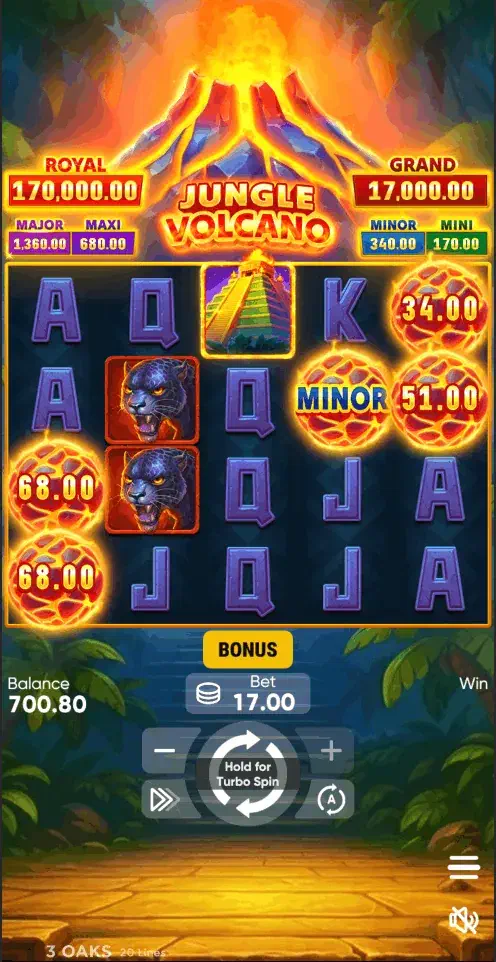
Jungle Volcano on iPhone means Safari or a licensed operator’s App Store app, and the browser route is already the complete game. iOS also removes the riskiest part of every Android guide: with no APK format and no sideloading, fake-app sellers have nothing to offer you here.
Safari, and the four-tap shortcut
Safari is immediate: casino site, login, search, play. The free demo is more immediate still (no account needed) and, given this game’s very high volatility, the wisest first hour you can spend on it. For a persistent icon, the home-screen shortcut takes four taps:
- Open the casino site in Safari.
- Tap Share.
- Choose “Add to Home Screen”.
- Confirm: the icon now opens the lobby full-screen, with no address bar.
The App Store route
It suits regulars: Face ID login, notifications, and Apple’s rule that real-money gambling apps are listed only from operators licensed in the territory, which in Britain means the publisher name should match the operator’s UKGC register entry, which is your one verification step.
One caveat particular to this title. Notifications are the app’s main advantage and its main drawback: on a very high-variance game, a prompt arriving on a quiet evening is an invitation to start a session you had not planned. If you take the app, turn its marketing notifications off during setup rather than later.
Long features on a handheld screen
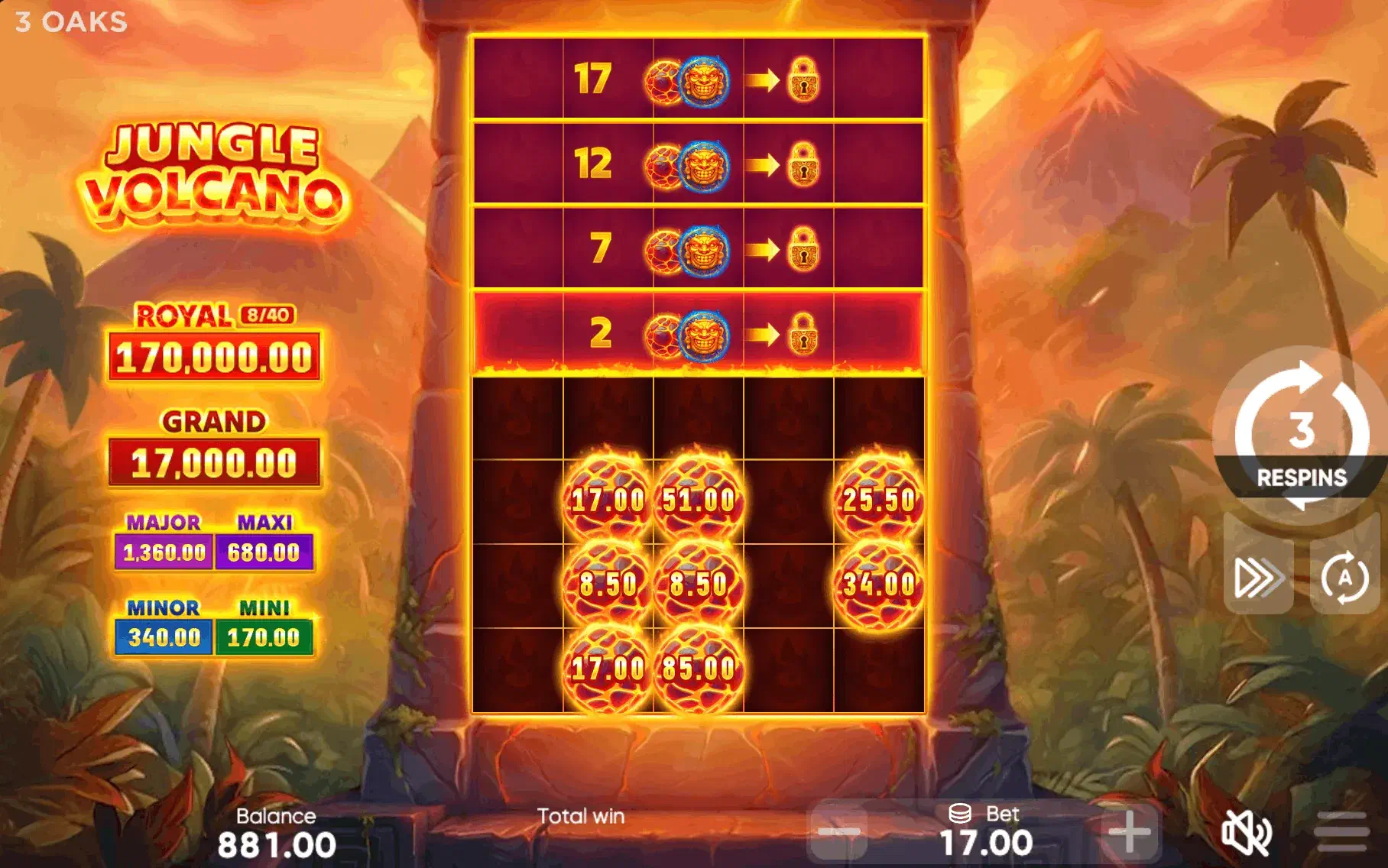
Features here run long. Rows unlock, free spins accumulate, and a big feature can hold the screen (bright and animated) for minutes at a stretch. Landscape orientation and a charger within reach are the practical answers; a session budget decided beforehand is the important one.
Three more settings earn their keep on this game specifically. Auto-Lock at thirty seconds will dim the screen mid-feature, which is harmless but disorienting: raise it before a session rather than during one. Low Power Mode throttles animation, so if the rows unlock in visible jerks, the phone is conserving rather than the game failing. And the reduced-animation toggle in the game client itself is worth locating early: it cuts the battery cost of the longest features noticeably, and it is easier to find in the demo than mid-round.
If the connection drops during a feature
A fair concern on a game whose features run for minutes, and the answer is more reassuring than most people expect. Licensed operators are required to handle interrupted game rounds: the round state sits on the operator’s servers rather than in your browser, so a dropped connection mid-feature does not forfeit it. Reopening the game normally returns you to the round in progress or settles it and credits the result.
What that means practically on an iPhone: do not panic-refresh, and do not start a second session in another tab. Close, reopen, and let the lobby restore the round. If it does not, that is a matter for the operator’s support and one of the reasons the casino checklist puts published contact and complaint routes alongside the licence check.
Handing between Wi-Fi and mobile data is the usual culprit, incidentally: worth avoiding mid-feature if you are walking around.
Android has more steps, covered in the APK guide ; everything else is indexed from the download overview .
18+. Very high volatility and handheld convenience are a sharp mix: set deposit limits first. UKGC-licensed operators only; BeGambleAware.org, GAMSTOP.