
Jungle Volcano on Android: casino app and APK
- 95.80%RTP
- 10,000xMax win
- 5x4Layout
- Very highVolatility
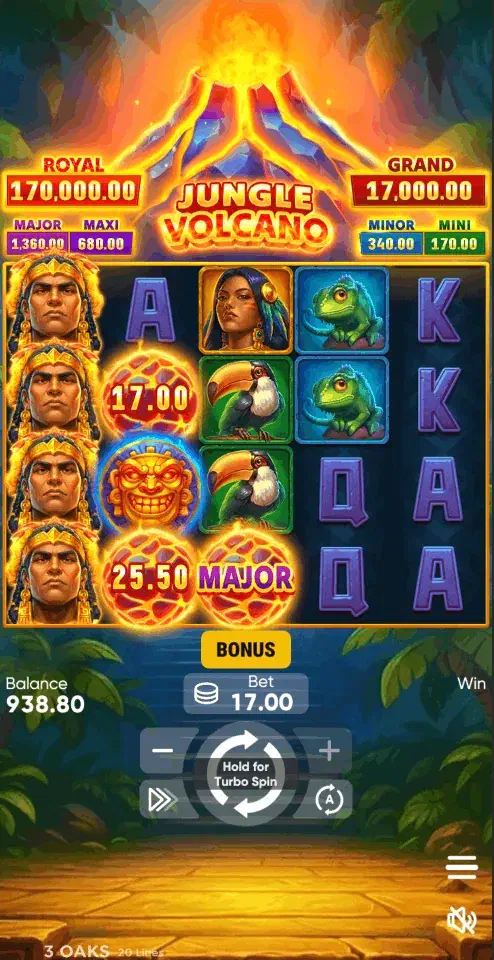
Android offers this game two real doors and one painted on a wall. Door one: your UKGC-licensed operator’s app on Google Play, if your licensed operator publishes one in the store (Britain permits licensed gambling apps there), updates handled for you. Door two: the same operator’s APK from its own website, for operators without a listing. The painted door: anything called “Jungle Volcano” on an APK mirror. On APKPure, APKCombo, AppBrain and their kind, volcano names decorate unrelated arcade games with no 3 Oaks code, no licence and no casino behind them. The name is the entire product.
The sideload drill
For those who need door two:
- UKGC register first: confirm the operator and match the domain.
- Download the APK from that domain alone.
- Grant “install unknown apps” to your browser for this one install (Android 8+ scopes the permission per app).
- Let Google Play Protect scan; a legitimate operator app clears it.
- Install, revoke the permission, done.
- First login brings KYC: age and identity checks are the licence at work.
Checking a listing without installing it
The painted door has a handle worth examining, because the same four fields expose every volcano name-alike on every mirror.
Size. A licensed operator’s app carries an entire lobby and runs to tens of megabytes. A listing advertising three or four is a single arcade game.
Publisher. It should read as the operator’s trading name, identical to its entry on the Gambling Commission register. On the name-alikes it reads as a studio with no gambling licence anywhere.
Package identifier. Mirrors print it beneath the title, and on these listings it commonly belongs to a company with no connection to casinos, this studio, or volcanoes.
Coin packs. Real-money gambling apps do not sell virtual currency; social and arcade games do. The presence of a coin bundle is a complete answer on its own.
Underneath all four sits the fact that removes the ambiguity: 3 Oaks licenses its games to casinos, so the only legitimate file is the one a licensed operator publishes.
What this game asks of the hardware
Jungle Volcano is the heaviest presentation in the family, and that shows up on a phone in three specific ways rather than as a general “needs a good device”.
Battery is the real cost. Features run long: rows unlock, free spins accumulate, and the animation holds the screen bright for minutes at a time. A long session on this title drains noticeably faster than on the Coin Volcano slots, which is worth knowing before you start one away from a charger.
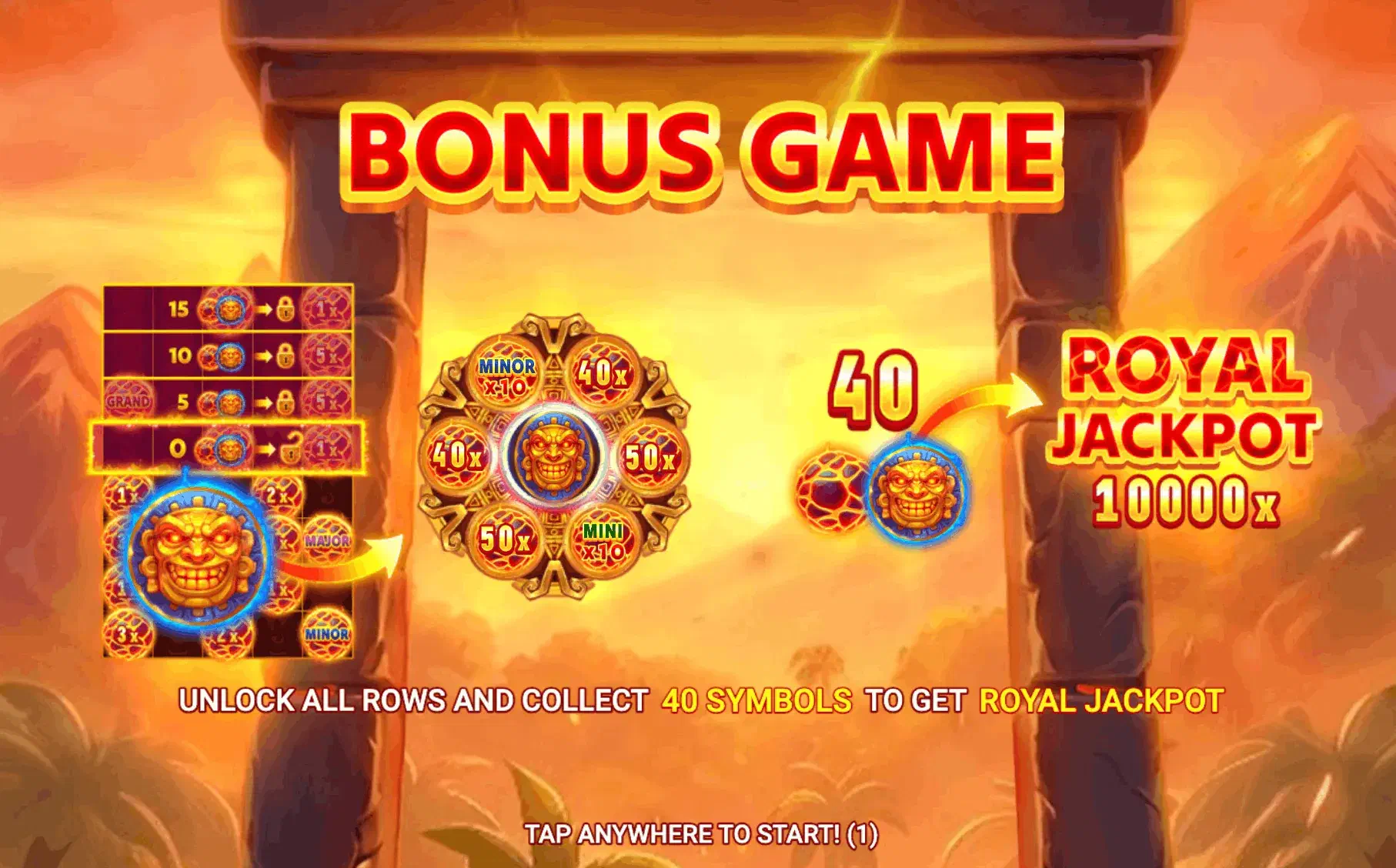
The 5x4 grid is the family’s widest, so portrait crops the sense of rows opening in sequence. Landscape is a legibility requirement here rather than a preference.
And if the animation stutters on older hardware, look for the reduced-animation setting in the game client before blaming the phone. It is usually there, and it is easier to find in a free demo than mid-session with money on the table.
When installing anything is the wrong move
Three cases, and the last is the important one.
If your licensed operator publishes an app in the store, take it. Britain permits licensed gambling apps in the store, and store distribution removes the permission dance entirely. If you play occasionally, an installed app buys convenience you will not use and leaves a visible icon on a device other people handle.
And if the appeal of an app is that it is quicker to open, pause on that. This is the family’s most demanding title, a phone is the easiest place to start a session without deciding to, and friction is not always a defect. Run the demo on your handset first; it tests the hardware and, more usefully, your patience with the quiet stretches.
Apple devices are covered at iPhone ; the full device map is the download overview .
18+. The £5 spin cap (£2 at 18-24) binds every licensed app and site equally. BeGambleAware.org; GAMSTOP for self-exclusion.