
Coin Volcano on iPhone: Safari, shortcut or App Store
- 95.66%RTP
- 2,551xMax win
- 3x3Layout
- Medium to medium-highVolatility

Three routes put Coin Volcano on an iPhone and all three work today: Safari, a home-screen shortcut that behaves like an app without being one, and a UKGC-licensed casino’s app from the British App Store. They are listed below in ascending order of setup, and the first needs nothing you do not already have.
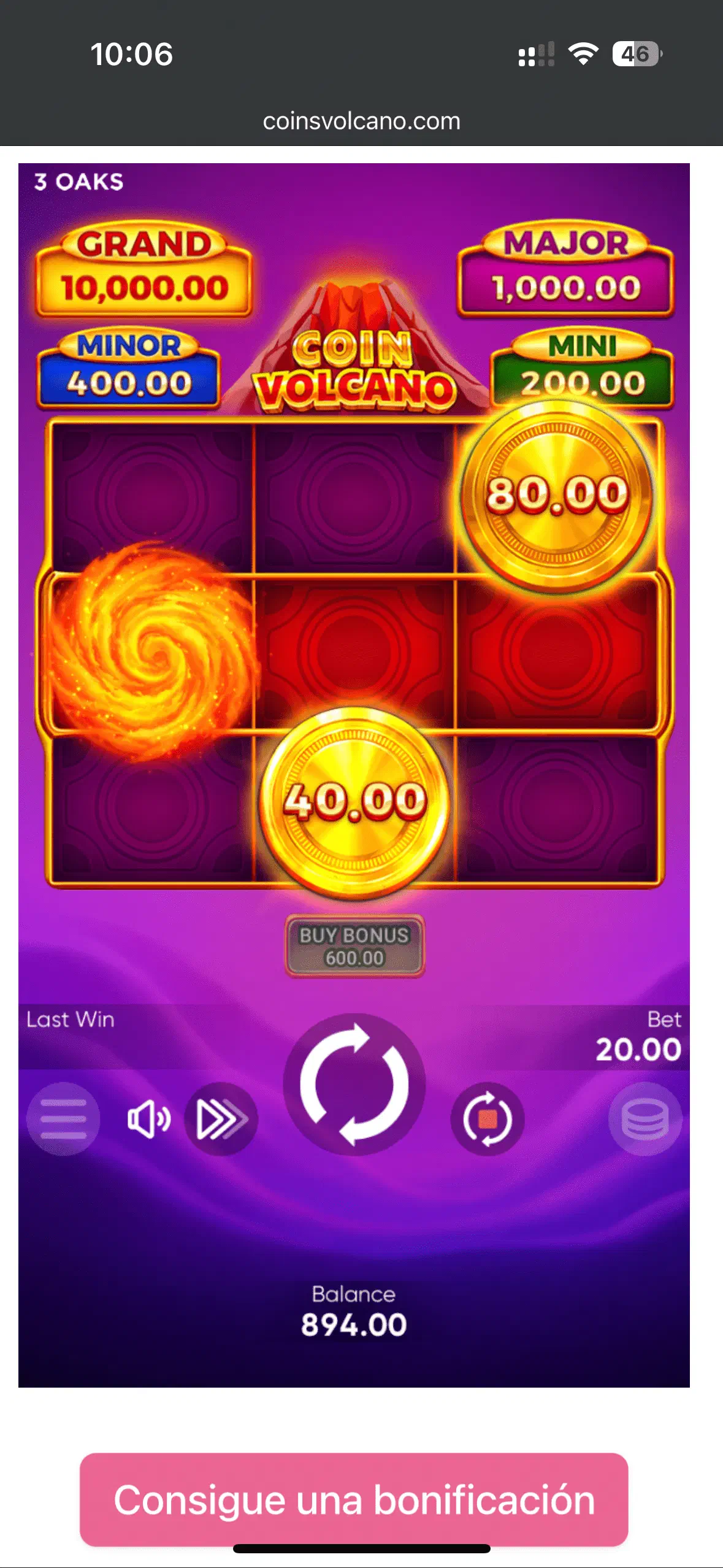
Route 1: Safari, nothing installed
Open your casino’s site, log in, tap the game. The free demo works the same way without an account. It is the no-commitment default and costs you nothing, because the HTML5 build is identical everywhere.
Route 2: home-screen shortcut
In Safari: Share button → “Add to Home Screen”. You get a dedicated icon that opens the casino full-screen without the address bar: app-like behaviour with no download, and it removes without trace. Worth doing if you play more than occasionally.
Route 3: a casino app from the App Store
UKGC-licensed operators may distribute real-money apps on the British App Store, so use one if your licensed operator publishes an app in the store. The check that matters: the app publisher’s name must match the operator on the Gambling Commission’s public register. An app is convenient for notifications and Face ID login; it changes nothing about the game, the £5 stake cap or the absence of Bonus Buy.
Search results also turn up a “Coin Volcano APK for iPhone”. iOS cannot install APK files at all, so treat any site advertising one as unreliable.
Related: Android routes and tablet notes .
18+. UK-licensed play only: deposit limits and GAMSTOP are built into every legitimate operator. BeGambleAware.org.