
3 Super Coin Volcanoes on tablet: iPad and Android
- 94-96%RTP
- 2,000xMax win
- 4x3+Layout
- Medium to highVolatility
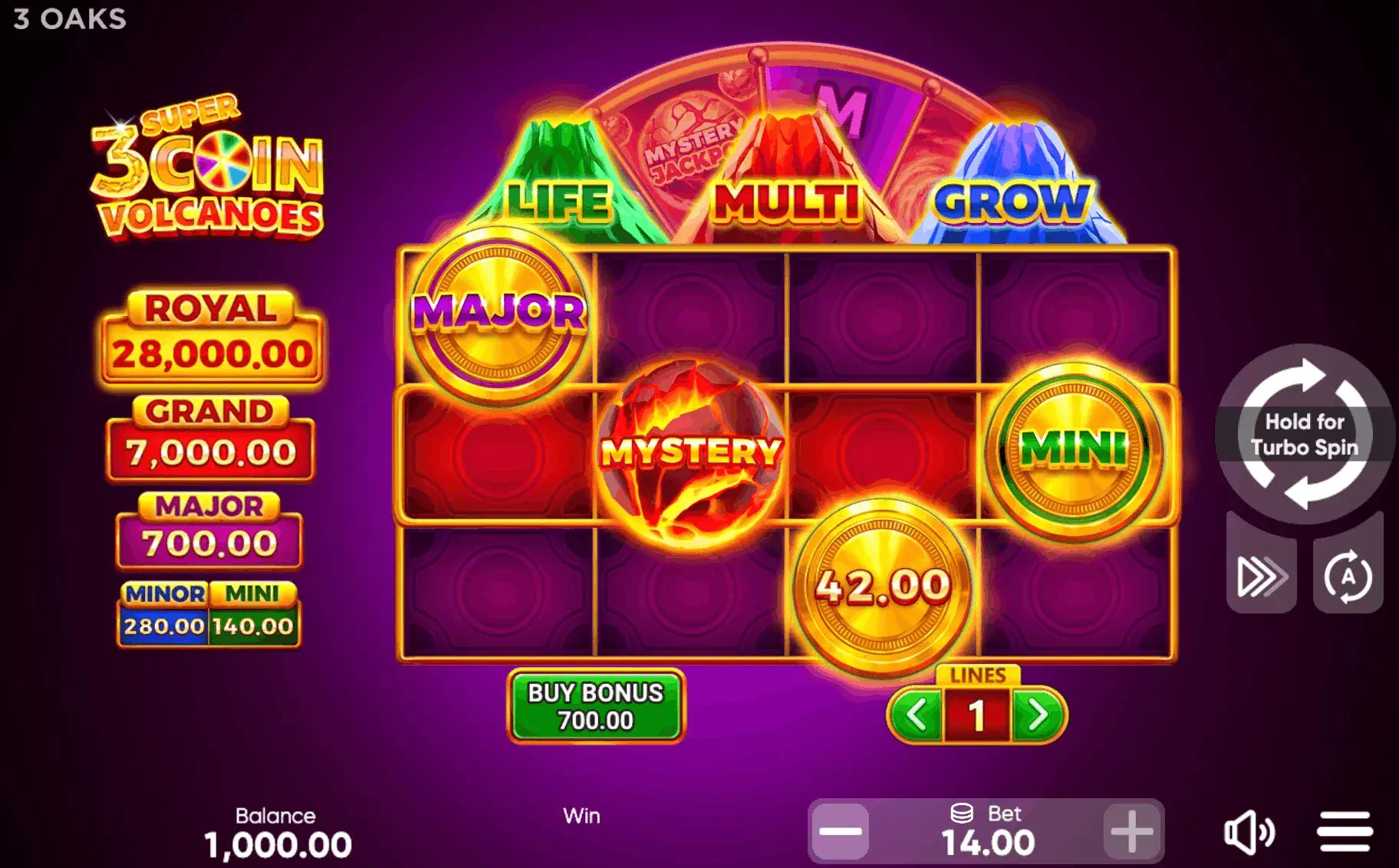
The extending grid is a screen-hungry idea: a board that Grow can make two rows larger at the end of a bonus than at the start, with the Super Wheel and Gold Volcano layered on top, and a tablet gives the idea full room. Setup, by contrast, is nothing: Safari on an iPad or Chrome on an Android tablet loads the complete build from any operator that carries the game, and the free demo does the same with no operator at all.
Four habits make the geometry work for you:
- Landscape, locked, before a bonus arms. Extensions push the board wide. Landscape keeps every position, old and new, plus the counter in one view, and locking rotation stops a lap-held tablet from reloading the layout when you shift.
- The paytable, before the first stake. This title’s return is operator-configured from a certified range, and the disclosure lives in the paytable. A tablet shows that page whole, without pinch-zoom, which is why the checking habit this game demands is at its most comfortable here.
- Split-screen while learning. The volcano roster (Life, Multi, Grow and the Gold Volcano) beside a live demo round is the fastest route to fluency, and iPadOS and Android both hold the pair without pausing the game.
- Stakes in words, not from memory. The bet range on this title is set by the operator rather than published as a fixed ladder, so read the coin-value control in the lobby you use. On a tablet that control is legible at a glance; on a phone it is the sort of thing people set wrong once.
Size, age and platform
Here the inches earn their keep. Eight inches holds the starting board comfortably but tightens once the extension arrives; eleven keeps the grown board at the same visual size as the original one, which is the whole point of playing it on a tablet. On this title, buying or borrowing the larger screen changes the experience rather than merely improving it.
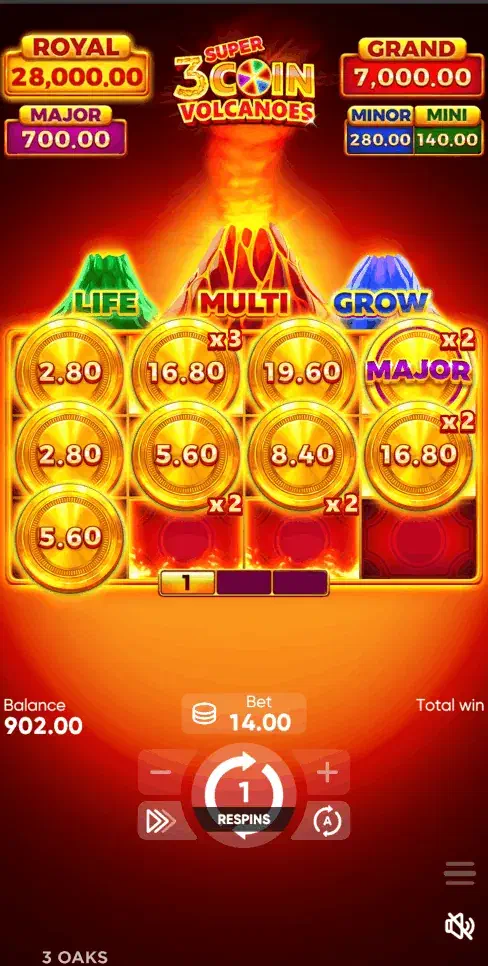
Age is the other variable. Older iPads run the game but render the extension sequence in fewer frames, and Android tablets vary by chipset far more than by year. The demo settles it in five minutes on whichever device you own.
For installed routes: iPads follow the App Store notes on the iPhone page , where Apple lists operator apps only for Gambling Commission licensees; Android tablets follow the APK drill , unchanged from the phone.
iPad or Android tablet: the differences that matter
They diverge in three places, and only one of them is about the game.
Install routes. An iPad has no APK format and needs none: Safari, a home-screen shortcut, or a licensed operator’s App Store app. An Android tablet adds the sideload option, with every caution that applies on a phone and one extra: tablets are more often the household’s shared device, and sideloading onto a shared device is a decision that affects other people.
Desktop-mode requests. iPadOS Safari asks for desktop versions of sites by default, which occasionally serves you a lobby laid out for a mouse. If controls feel oddly small, the “Request Mobile Website” option in the address bar menu is the fix, not a browser change.
Split view. Both platforms hold a demo round beside a paytable without pausing the game, which on this title is the fastest route to understanding what the extension does. iPadOS does it more gracefully; Android tablets vary by manufacturer.
When a tablet is the wrong choice
The screen argument is real, and it is not the whole argument.
A tablet is a sofa device, and sofa sessions run longer than desk sessions without anyone deciding they should. On a game whose rounds already run long, that compounds. If you find your sessions expanding, the tablet is a contributing cause rather than a neutral container: deposit limits and session reminders are the counterweight, and every licensed operator provides them.
A tablet is also frequently a shared device. A logged-in casino account on a family iPad is a different proposition from one on a phone nobody else touches, and neither platform offers convincing per-app locking for it. Log out rather than relying on the household.
And if you already play comfortably on a phone in landscape, the upgrade is smaller than this page’s enthusiasm suggests. The size ladder above is about making the extension legible, not about making it better.
What goes wrong mid-round
Four tablet-specific interruptions, all avoidable.
- Auto-lock during a long bonus. The screen dims mid-round because you were not touching it. Harmless, disorienting, and fixed by raising the timeout before a session.
- Rotation on a lap-held device. An unlocked tablet reflows the layout when you shift position. Lock the orientation before the bonus arms.
- Wi-Fi handing over to mobile data. On cellular tablets this drops the session mid-feature. Licensed operators hold round state server-side, so reopening the game restores or settles the round; close and reopen rather than refreshing repeatedly.
- Split view eating the layout. Useful while learning, cramped while playing. Collapse it once the mechanic has clicked.
All devices are indexed in the download overview ; the game’s full assessment is the 3 Super Coin Volcanoes review .
18+. Comfort extends sessions the way this board extends grids: set deposit limits first. UKGC operators only; BeGambleAware.org, GAMSTOP.