3 Coin Volcanoes on Android: APK and casino app
- 95.68%RTP
- 2,000xMax win
- 4x3Layout
- MediumVolatility
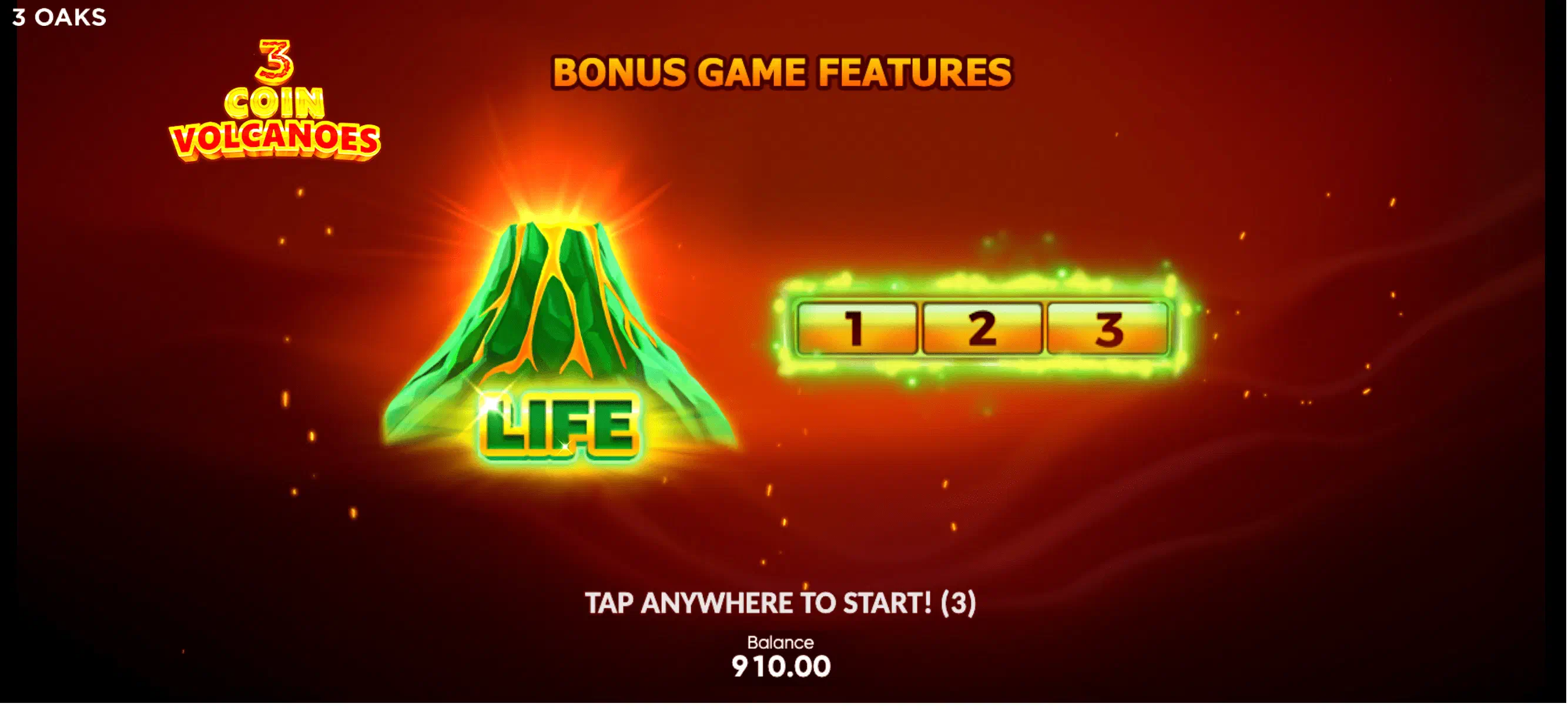
The APK exists and it belongs to the operator: a UKGC-licensed casino packages its entire lobby, 3 Coin Volcanoes included, into one Android file, downloadable from its own website. Finding the file is the easy part, so what follows is mainly a safety procedure. 3 Oaks licenses its games to casinos rather than issuing downloads of its own, and fake “official” files rely on players not knowing that.
The sideload drill, step by step
- Confirm the operator’s licence on the UKGC public register, and that the site you are on matches the domain registered there.
- Download the APK from that site only.
- When Android blocks the install, grant “install unknown apps” to your browser: since Android 8 this permission is per-app, not global. Enable it for this one install.
- Let Google Play Protect scan the file when prompted; a legitimate operator app passes without complaint.
- Install, then revoke the browser’s install permission immediately.
- Expect KYC on first login: a licensed operator verifying age and identity is the system working.
Spotting a name-alike before you download it
Apps named “Coin Volcano” or similar on APK mirrors (APKPure, APKCombo, AppBrain and the rest) are unrelated arcade games riding the name. They are not the 3 Oaks slot, hold no gambling licence, and connect to no casino. The name match is the entire trick.
You do not need to install one to identify it. Four fields on the listing page settle it in about twenty seconds.
File size. A licensed casino’s app carries an entire lobby and weighs tens of megabytes at minimum. Listings advertising three or four megabytes are shipping a single arcade game, and frequently not even a volcano-themed one.
The developer name. The real app is published under the operator’s own trading name, the same name you looked up on the Gambling Commission register. Anything else, however plausible, is a different company entirely.
The package identifier. Mirrors print it under the title. On the volcano name-alikes it routinely belongs to some unrelated business with no connection to gambling, casinos or this studio, which is as clear an answer as you will ever get.
In-app purchases and coin packs. Real-money gambling apps do not sell you virtual coins. An app offering coin bundles is a social or arcade title, and no amount of volcano artwork changes that.
Underneath all four: 3 Oaks Gaming licenses its titles to casinos, so the file you want is the one your licensed operator publishes, and anything else using the game’s name is something else.
When the install fails
Android refuses APKs for mundane reasons far more often than sinister ones. In rough order of frequency:
- “App not installed” immediately. Usually a partial download. Delete the file and fetch it again on a stable connection before assuming anything worse.
- Play Protect blocks it. On an unfamiliar package this is worth taking seriously. On a real operator app it may still warn because the file is not distributed through the store; read what the warning says rather than tapping through it.
- The permission prompt never appears. Android 8 and later scopes “install unknown apps” per app, so the switch lives in your browser’s settings, not in a global toggle. Samsung and Xiaomi builds bury it a level deeper than stock Android.
- A managed or shared device. Work profiles and family-managed handsets frequently forbid sideloading outright, and this is not a setting worth fighting on a device that is not solely yours.
When not to sideload at all
Most people should use the browser and stop there. Three cases make the decision for you.
If your licensed operator publishes an app in the store (Britain permits licensed gambling apps on Google Play), take it. Automatic updates, no permission to grant, no permission to revoke.
If you play occasionally, an installed app buys convenience you will not use and costs storage plus an app icon your household can see. The mobile site is the identical HTML5 build.
If the phone is shared, managed by an employer, or short on storage, skip it. The free demo in Chrome will confirm the three-volcano board runs smoothly on your hardware, which is the only technical question the APK route was ever going to answer.
Other devices: the download overview and the iPhone page , where none of this applies.
18+. Licensed operators enforce the £5 spin cap (£2 at 18-24) in app and browser alike. BeGambleAware.org; GAMSTOP for self-exclusion.