
Jungle Volcano on desktop: play on PC and Mac
- 95.80%RTP
- 10,000xMax win
- 5x4Layout
- Very highVolatility

On a computer it takes one sentence: open a browser, open your casino or the free demo , and play, with nothing installed. The second sentence is the one that protects you. 3 Oaks titles run in the browser through a licensed operator, so every “Jungle Volcano installer for PC” circulating in search results is a counterfeit. Do not open that file to check.
The desk advantage, scored
| What the desk gives you | Why it matters on this game | The catch |
|---|---|---|
| Full-height view of the unlocked rows | Rows keep opening during Hold & Win | None; this one is pure gain |
| A second window beside the game | Long dry spells make spend easy to lose track of | Only works if you write in it |
| Demo and real play in adjacent tabs | Learn the tempo before staking anything | Two tabs is also two ways to keep going |
| Keyboard spin on the spacebar | Faster than tapping | Faster is exactly the wrong thing here |
| Hours of comfort | Fewer interruptions | Comfort is not a plan, and does not become one |
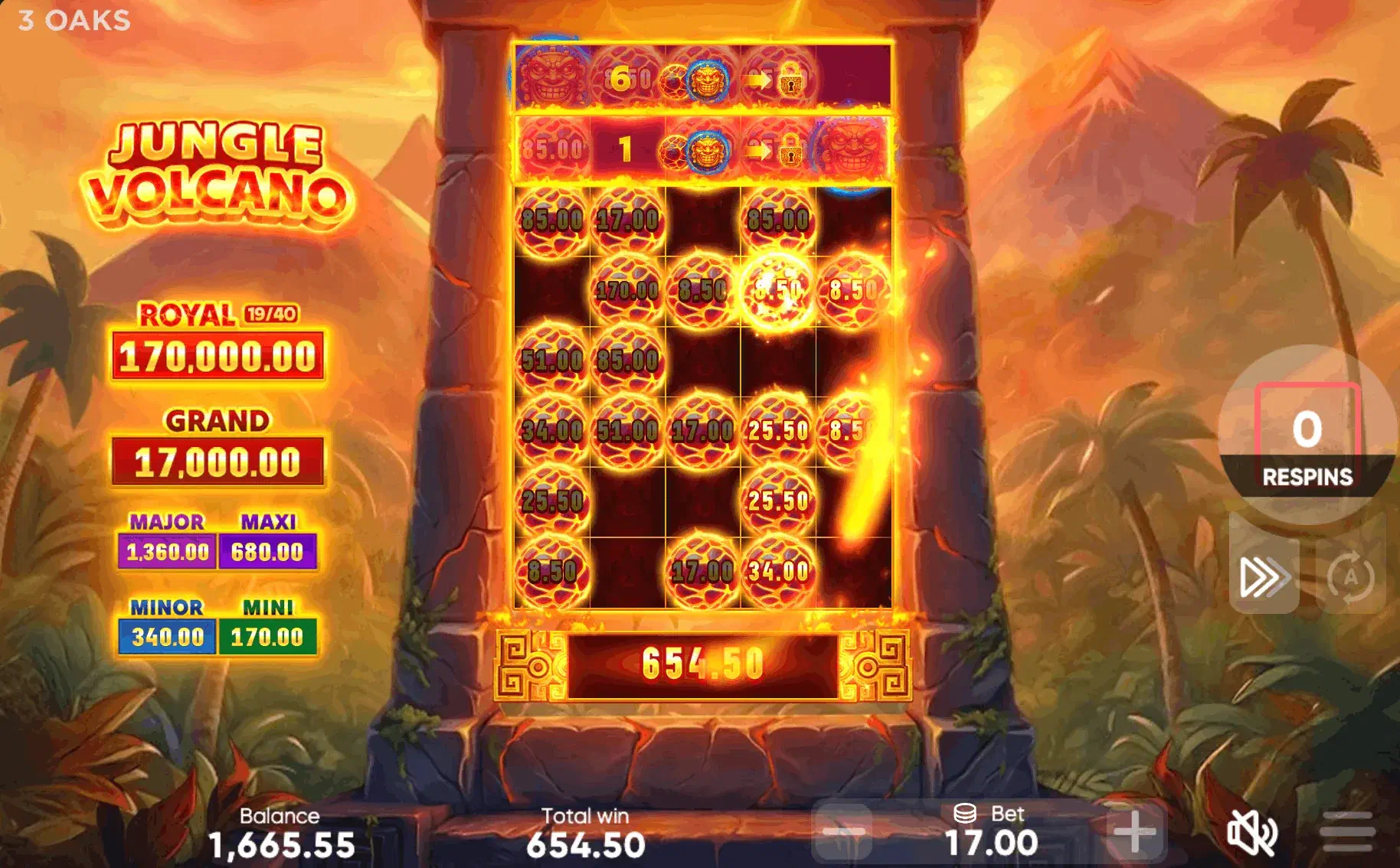
The bottom two rows deserve a closer look. Many 3 Oaks builds accept the spacebar as a spin command, and a key that repeats when held places bet after bet. On the family’s most volatile game, that is more than an ergonomic footnote. And a comfortable chair extends sessions by default, which is a feature only if you decided the length in advance.
Setup, browsers and resolution
Chrome, Firefox, Edge and Safari all run the current build with nothing to configure. F11 on Windows and Linux, or Control-Command-F in Safari, clears the browser chrome and gives the tall grid the full height it wants. Beyond 1080p the picture scales up without showing more; the extra width goes to the second window, not to the reels. Connection dropouts are rarest at a desk, and in any case the round is held on the operator’s server: reopen and the feature resumes at the same spin with the same unlocked rows.
The comparison only a desk can run
Jungle Volcano is the outlier in this universe, and the quickest way to feel that, instead of reading about it, is to watch it running beside its siblings. That needs tabs and a keyboard, which a handset cannot substitute for.
Open three demos at once (this one, Coin Volcano and 3 Coin Volcanoes ) and give each a couple of hundred spins, switching between them instead of finishing one before starting the next. Alternating is what makes it work: played in sequence, you remember the last game you enjoyed; played in parallel, you notice the difference.
Do not look for which one pays more; demo credits make that question meaningless. Look at the shape of the waiting. The coin games hand you a hold-and-win round on a fairly steady rhythm and resolve it quickly. This one banks its return in a free-spins run and charges you a longer, quieter wait to reach it. The very high volatility rating and the 10,000x ceiling say the same thing in spec-sheet terms.
Twenty minutes of this will tell you more about whether the game suits you than any review, including this one. It costs nothing, it commits nothing, and it is the best argument for opening this game on a computer first.
Before real money, use the desk for the reading it is good at: verify the operator’s standing with your provincial regulator, note the jackpot values, and check the full specification on the Jungle Volcano hub . If you would rather the game were harder to reach than easier, the phone and tablet routes serve that better, and Android’s install path is on the APK page .
A desk session should end at the number you wrote down before it began; that habit matters more here than on any other game in this universe. 19+ in most provinces, 18+ in Quebec, Alberta and Manitoba.